
How to automate customer inquiries and keep follow-up clear
A form’s job does not end at submission. Plan a workflow that records the inquiry, notifies the right person and keeps the next action visible.
Start with a task you can already describe
Automating customer inquiries makes sense when the process can be explained: a message arrives, someone records the information and another person decides how to respond. If each inquiry is handled differently, agree on the journey first.
A service business in Ecuador, Chile or the United States can face the same operational issue: a website request becomes scattered across email and conversations. Automation can connect those steps; responsibility for responding and making decisions still needs a clear owner.
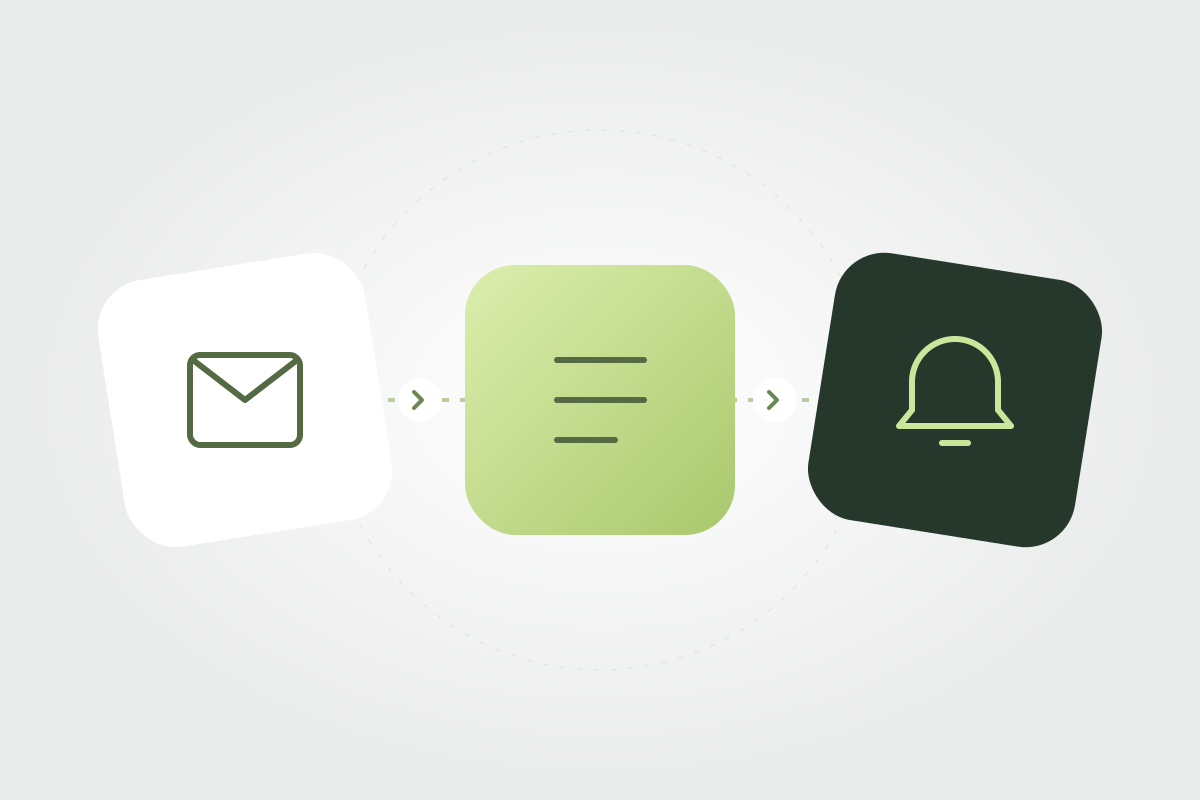
A first workflow: form, record and notification
One limited example takes a form submission, creates a record in an agreed tool and notifies the responsible person. Before building, identify the required data, how the request will be recognized and what the recipient needs to handle it.
This is a process design example, not guaranteed compatibility with every tool. Connecting it requires checking available access, each service’s capabilities and whether a suitable API exists. Complexity also depends on how data is received and validated.
- Input: which form or system originates the inquiry.
- Record: which data should be stored and where.
- Owner: who receives the notification and handles the request.
- Next step: how pending inquiries are identified.
- Exception: what should happen if a record or notification fails.
Define boundaries before connecting tools
Agreeing on fields, permissions and responsibilities prevents the workflow from relying on assumptions. Request only the data the process needs and establish who can access it. Review sensitive information or specific business requirements with the relevant people before including them.
Decide which actions need a person. A receipt confirmation can acknowledge a request; it should not present a project as approved or a quote as accepted when review is still pending. Automated messages should reflect the actual status.
Plan what happens when something fails
A workflow needs a path for exceptions. Define how the team learns that an inquiry could not be recorded, where it can be recovered and who reviews the issue. An error notification is useful when it has a recipient and an agreed action.
Also consider what happens if the source sends the same request again. Depending on the tools and scope, recognising identifiers may be needed to prevent duplicate records. Include these decisions in the technical definition and test representative cases.
What you can plan with Agave
Agave’s published automation service covers one workflow of up to three steps, up to two tools with existing APIs, setup and documentation. External subscriptions are not included. This provides a basis for evaluating a limited initial connection against your business’s actual tools.
Multiple teams, specific rules, dashboards or extensive integrations may need custom development. Start by sharing the current process and which access is available, without placing passwords in the brief. Scope follows the work the system needs to perform.
How to check whether the workflow is ready
Test a complete request, one with a missing field and a case where a tool does not respond. Check what is recorded, who is notified and which information remains available for follow-up. Documentation should make each step and its maintenance responsibilities understandable.
After handoff, review operational signals: recorded inquiries, pending responses and detected errors. These help evaluate the process. An automated task is not the same as a completed sale; commercial outcomes also depend on the offer and the team’s work.
Frequently asked questions
Do I need AI to automate customer inquiries?
Not necessarily. Recording a request and sending a notification can be handled through defined rules. Whether AI is useful depends on the task; it is not required for every automation.
Can any form be connected to any tool?
Do not assume so. The selected tools’ features, APIs, permissions and conditions need to be checked before confirming an integration and its scope.
Can I start an automation project from Ecuador, Chile or the United States?
Start by choosing your country and describing the process. Agave works remotely from Quito and Santiago; feasibility depends on your business tools, access and requirements.